
Hiya
when you sent me a message it didn’t come with a profile photo.

Of course that’s your choice, and some people don’t want everyone else to know what they look like, or they want to stay below the radar – but you’ll get fewer connections, fewer people will read your posts, and you’ll get less help, and people won’t be able to find you – if you don’t have a photo, because you could be a bot or a scammer, it’s just not friendly…..and also they won’t know if it’s you, (e.g. there’s more than one Chris Croft). So I think it’s important to have a photo.
But what I have found is that most times when people don’t have a photo on messages to me, they actually DO have a photo, and they don’t realise they have got linkedin settings so that the photo is only visible to 1st level connections. They don’t realise that everyone else can’t see their photo!
If you want to switch it on for everyone (which I would strongly recommend) here’s how you do it:
Click on the home icon
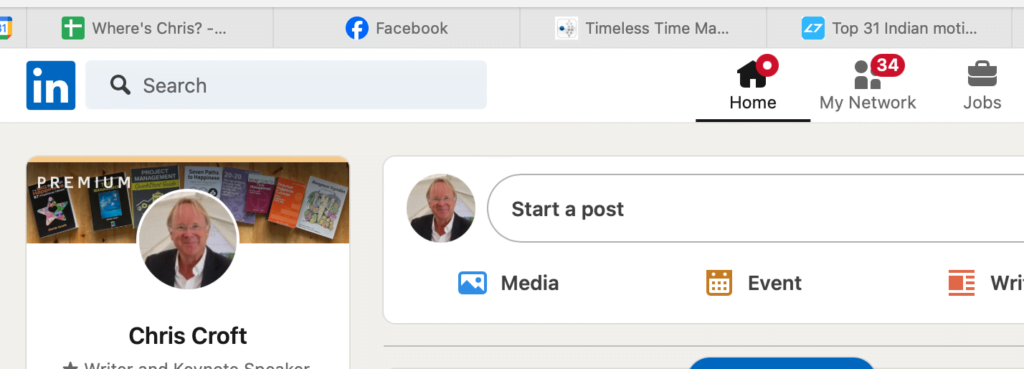
Click on your photo (in the left hand column of the page)
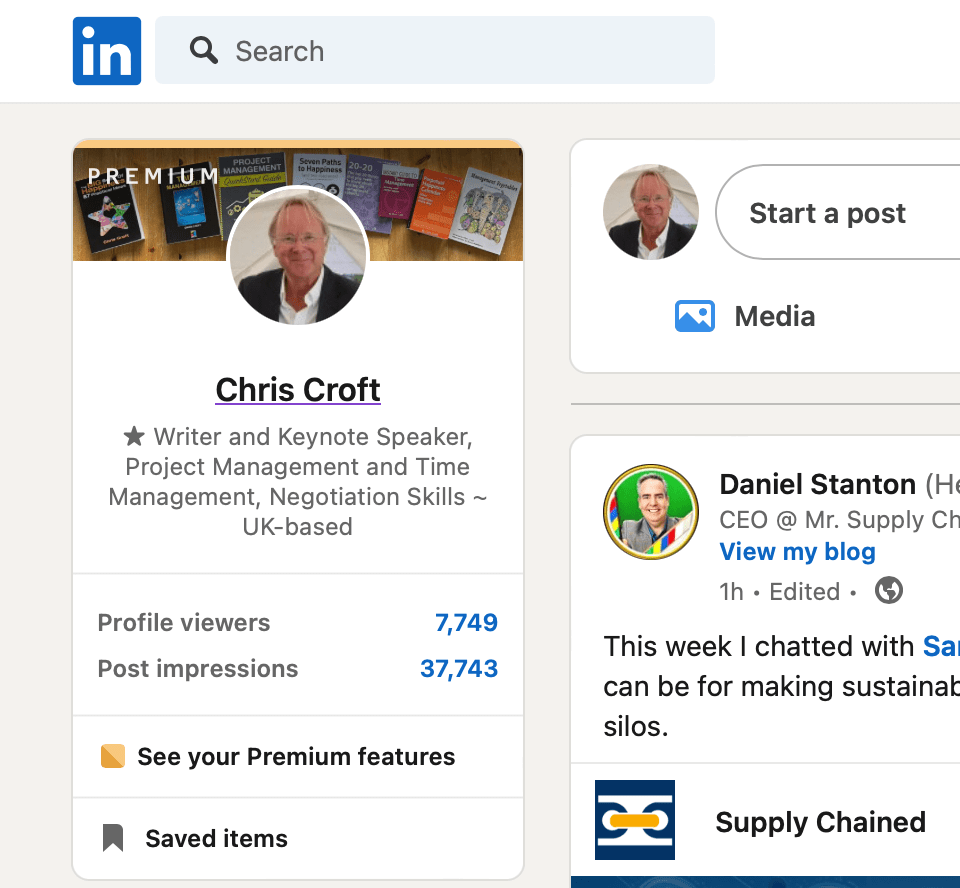
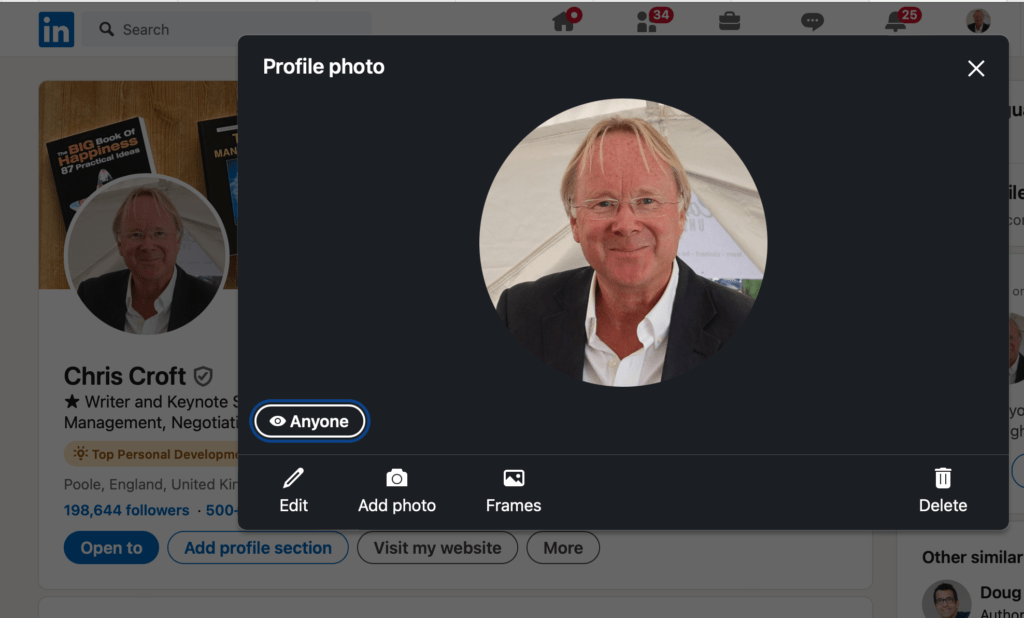
Click on your photo again so you get it large:
Then, bottom left, just above Edit, can you see a little eye symbol, and the visibility next to it? (Mine says “Anyone”)
Click on that and you can then edit the settings, to ANYONE, or at the very least, All Linkedin Members
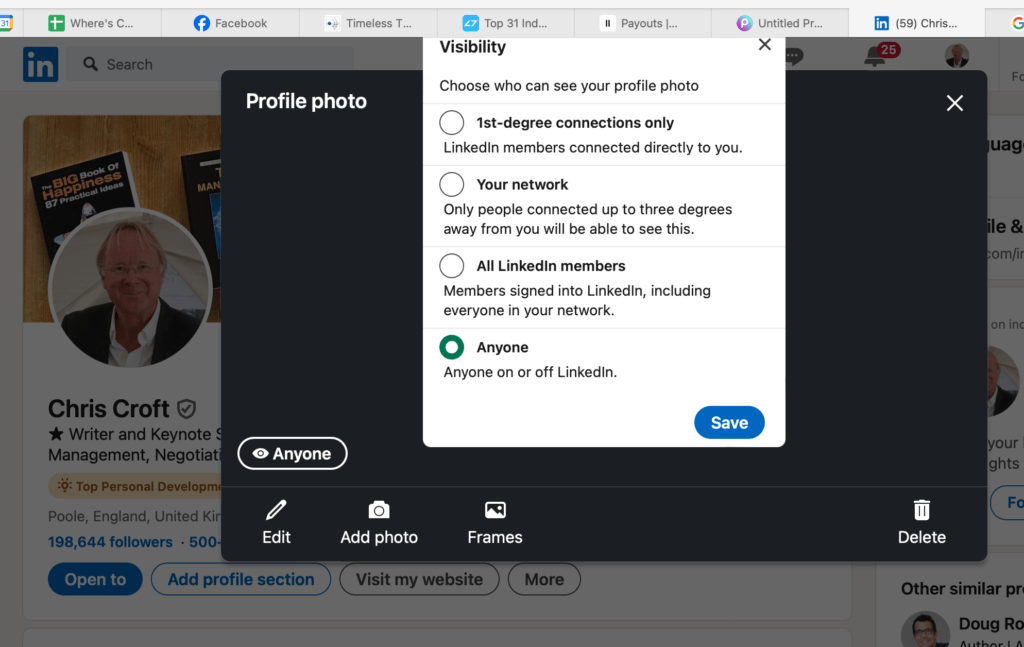
Fixed!
Keep in touch!
CC




hi – if you watch it on linkedin learning or udemy you get a certificate from them.
Sir,
I Binod Kumar Yadav want to your project management simplified.
That we also need a certificate, how much time and payment will we have to pay for it.
That I have been working in National Highway Engineer for the last 15 years.
Yours faithfully
Binod Kumar Yadav (India)
+91- 7070888802