Over 50 courses for you!!
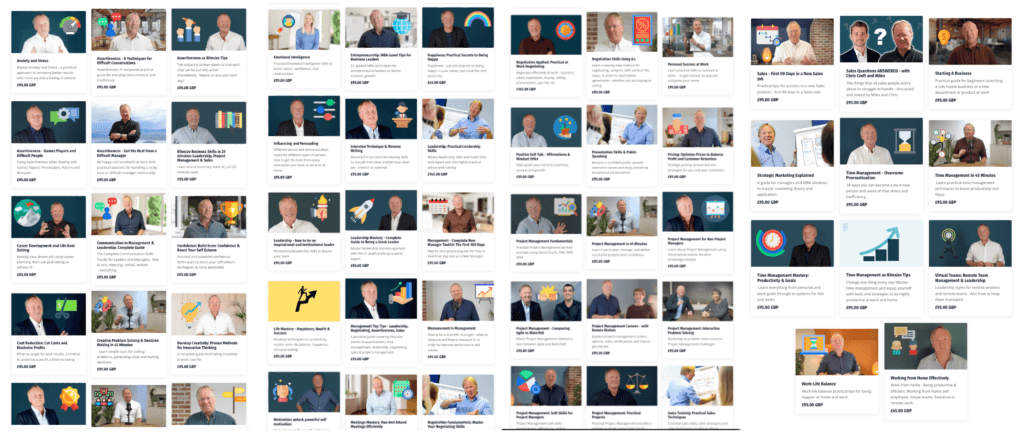
Go to here https://www.lifeskillscollection.com/CorporateTrainingLibrary
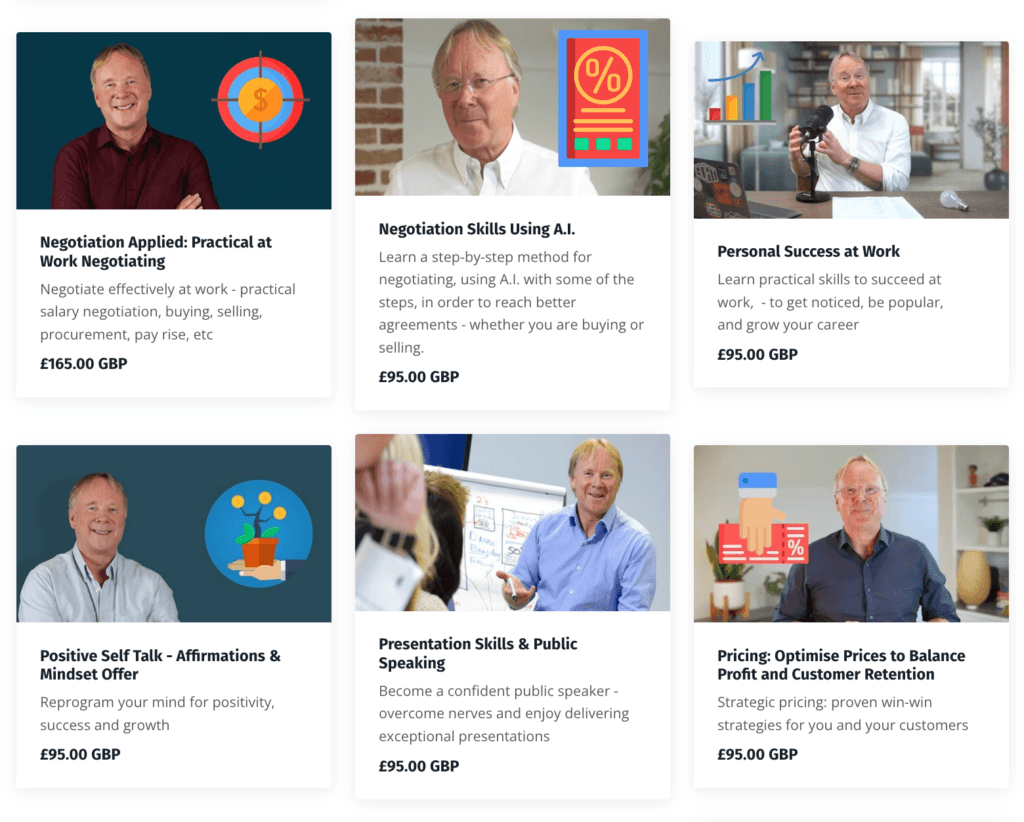
Click on any course you like the look of.
Then in the right hand column:
Put in your email address (allows you to log back in and continue where you left off, track your progress etc)
Scroll past the credit card stuff
Under the Summary and the little picture, put in your Coupon Code
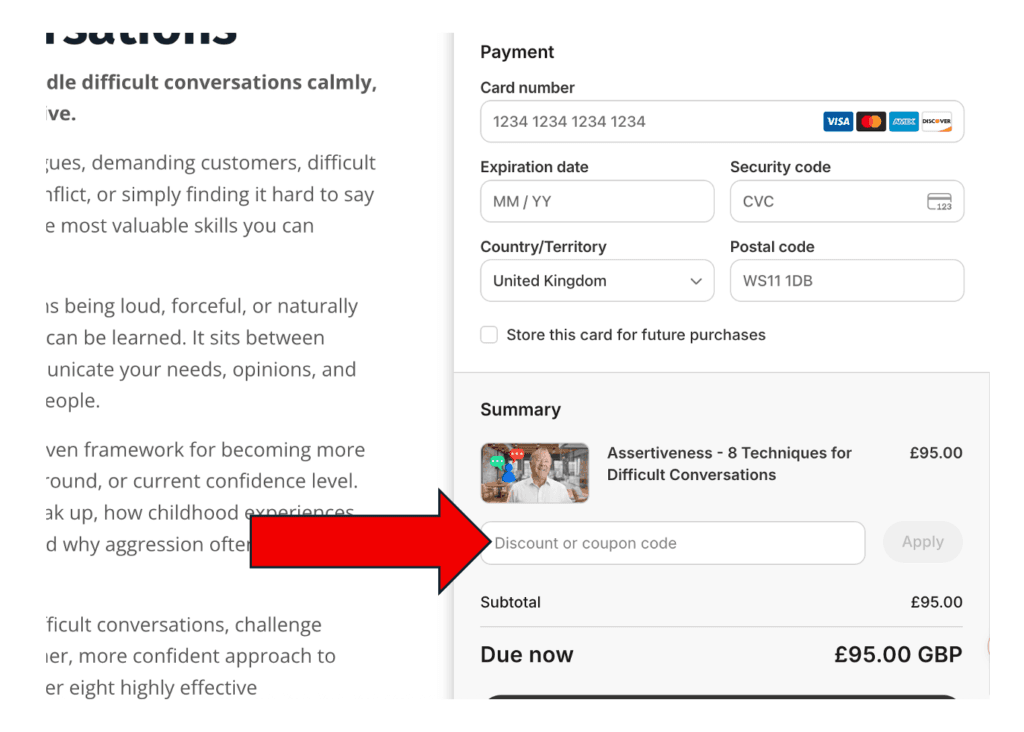
Click ‘apply’ and the price becomes Zero – if you’ve got the right coupon code!
(upper/lower case doesn’t matter)
Click Submit
You’ve now added this course to your personal library
- the first time you’ll be asked to create your account , (it’s free), with an email and a password
.*****
Now you can go to your personal library and see all the courses you have “bought” and you can continue viewing them from where you last left off, whenever you want to:
To access your library:
Go to: https://www.lifeskillscollection.com/library. or if you scroll to the top of the page of courses there’s a link at the top right of the page called ‘My Library’
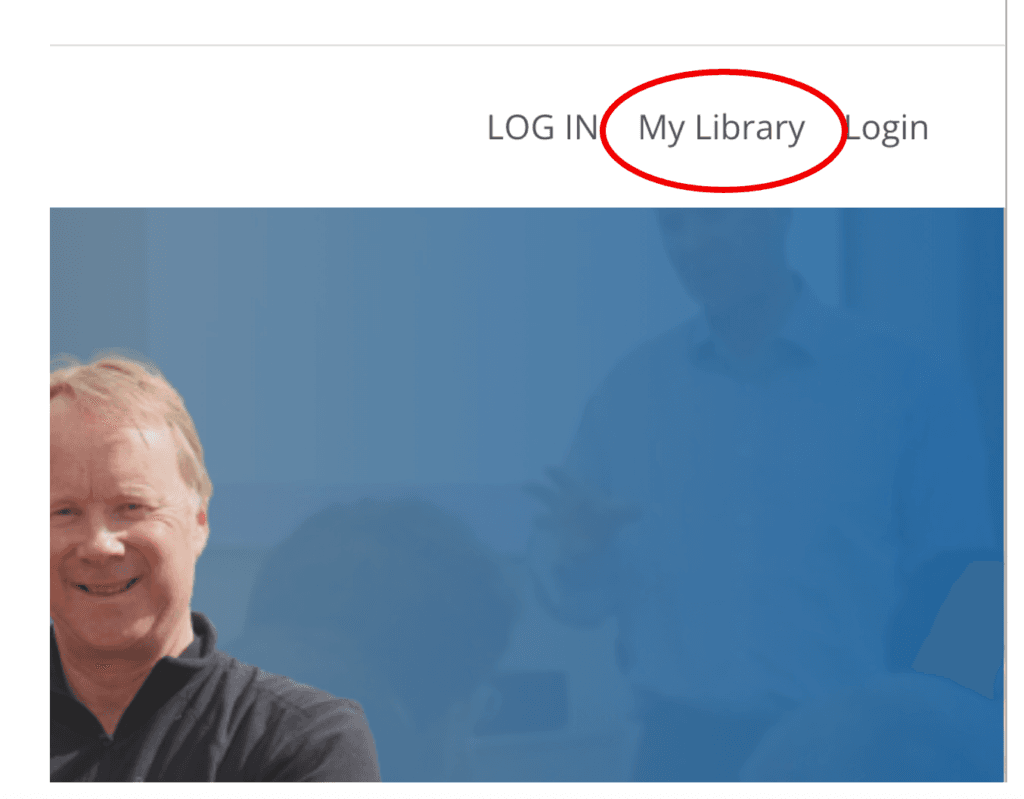
Sign in with whatever email and password you chose when you ‘bought’ the courses
You can see your whole personal library now
Watch whatever you like, from wherever you like, whenever you like, as often as you like!