| APM vs Agile – your choice! (I know which one I prefer) |
| Break it down into the tasks = granularity |
| Critical path |
| Dependencies |
| Estimates – and add on contingency: half way between the average and the worst |
| Floating tasks – hang off the critical path on the Gantt |
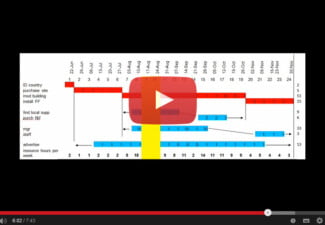
| Gantt – NEVER have a project without a Gantt chart, it’s as simple as that |
| Hide contingency from customers or they’ll take it out |
| Iron triangle – T £ & Q |
| Judgment – not a science, value of experience |
| Key drivers – know what it is, ask questions to find it out if you have to |
| Learning – review: good bad and better |
| Monitor progress by colouring in the completed tasks on the Gantt |
| Non-linear spend profile – common, so look out for it |
| Out of scope – the PM’s friend |
| Post-it notes / PERT chart |
| Quantify risks – how likely and how serious |
| Resource planning: for one project and all your projects combined |
| Start – two kick off meetings, with agreements recorded afterwards in writing |
| Tasks – listed in 3 ways |
| Underspending means you are probably behind schedule |
| Variance (£) – compare with progress on Gantt |
| WBS: Work Breakdown Structure |
| Excel is what I like for making a Gantt chart. Keep it simple! |
| Your team – don’t do it all yourself, involve the team at every step |
| Zoom in and zoom out so you can see the whole project but also control every detail |